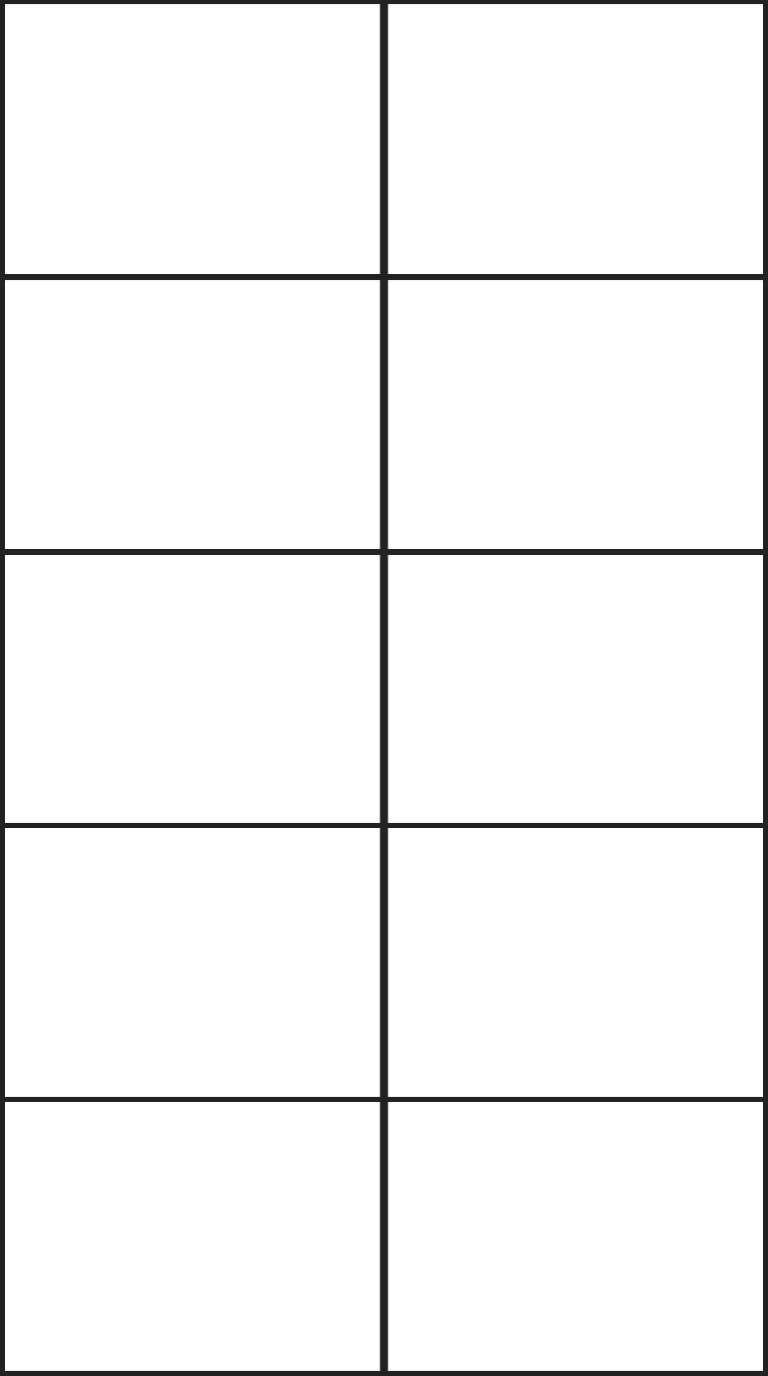
Use Nano Banana to create a 10 slide deck about ANY topic. This process uses a blank 10-cell grid as the initial reference image. Here is the process:
Start by submitting the following prompt, using the attached empty 10 cell grid as the reference image. (You can change the TOPIC in the last sentence of the prompt to anything you like.)
Update this image to show 10 professionally designed slides, one slide in each grid cell. Each slide should contain text and graphics related to the TOPIC. The TOPIC is Tire wear in electric cars
This will generate an image that contains 10 slide thumbnails, like this one…
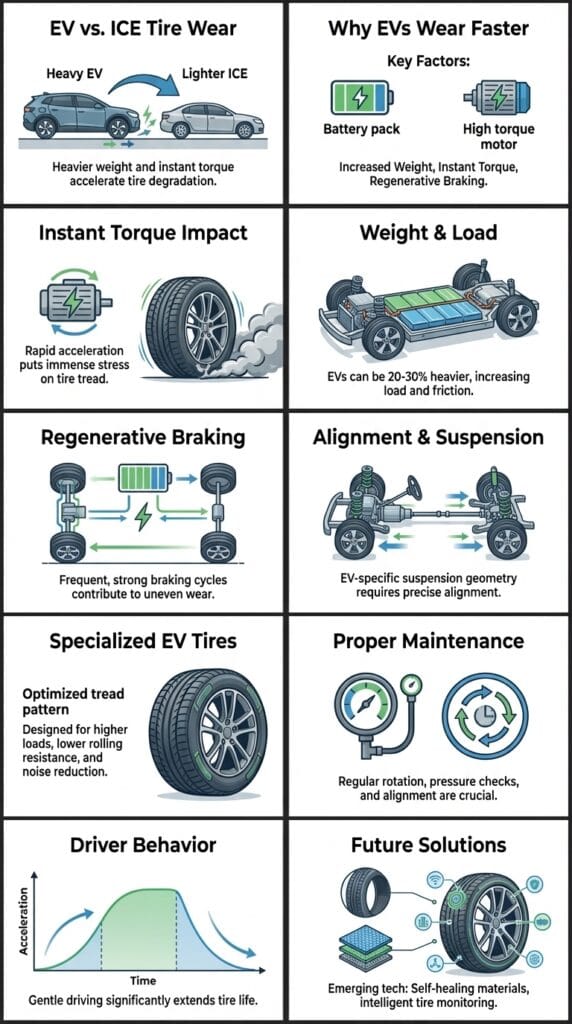
Next, use the new 10-slide thumbnail image as the reference image, and submit the following prompt to generate the first slide in the deck:
This image contains 10 slides ordered left to right, top to bottom. Create a new wide 16x9 image that shows ONLY Slide 1. Include all words and graphics from Slide 1. Do not show the grid border.
In this case, the above prompt generated this image…

Do this for each of the remaining slides, changing Slide 1 to the appropriate slide number. (The slide number appears twice in the prompt, so be sure to change it in both places.)
Here is the the starting image – just right click and save to hard drive to download…